Squares
If there are multiplication facts you never quite got, this is the app that fixes it — whatever age you are. It seems to be more common than it used to be to reach adulthood without the tables, and to quietly work around the gap for years. You don't have to.
Free, nothing to install, and nothing to sign up for. The iPhone app is coming soon.
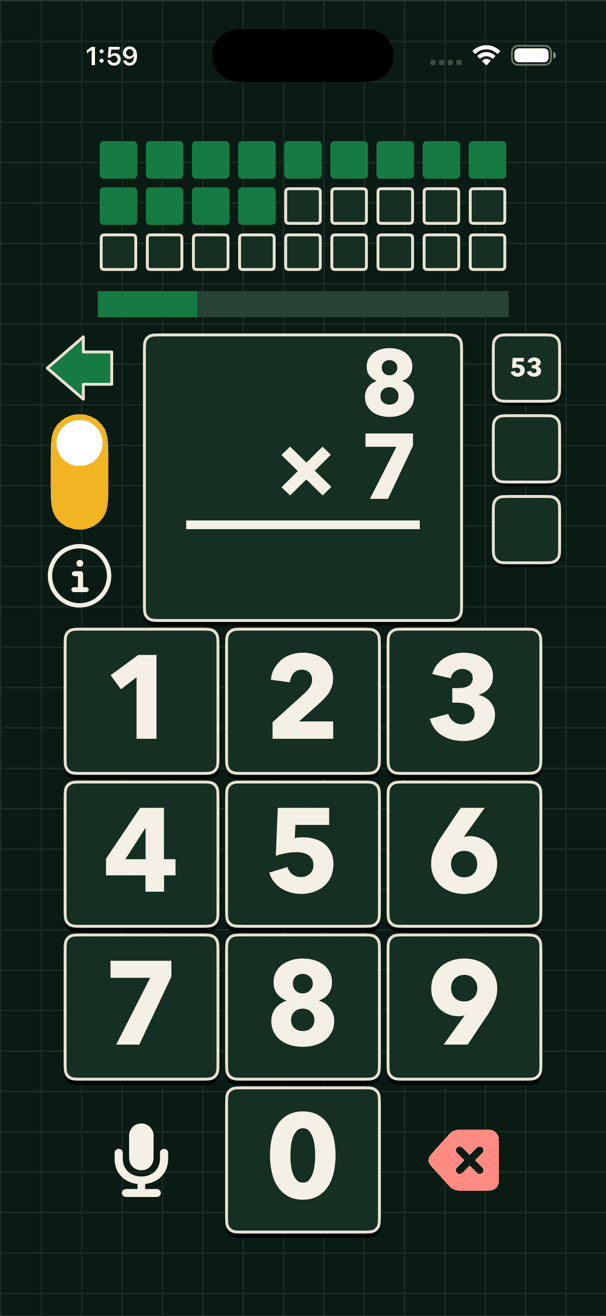
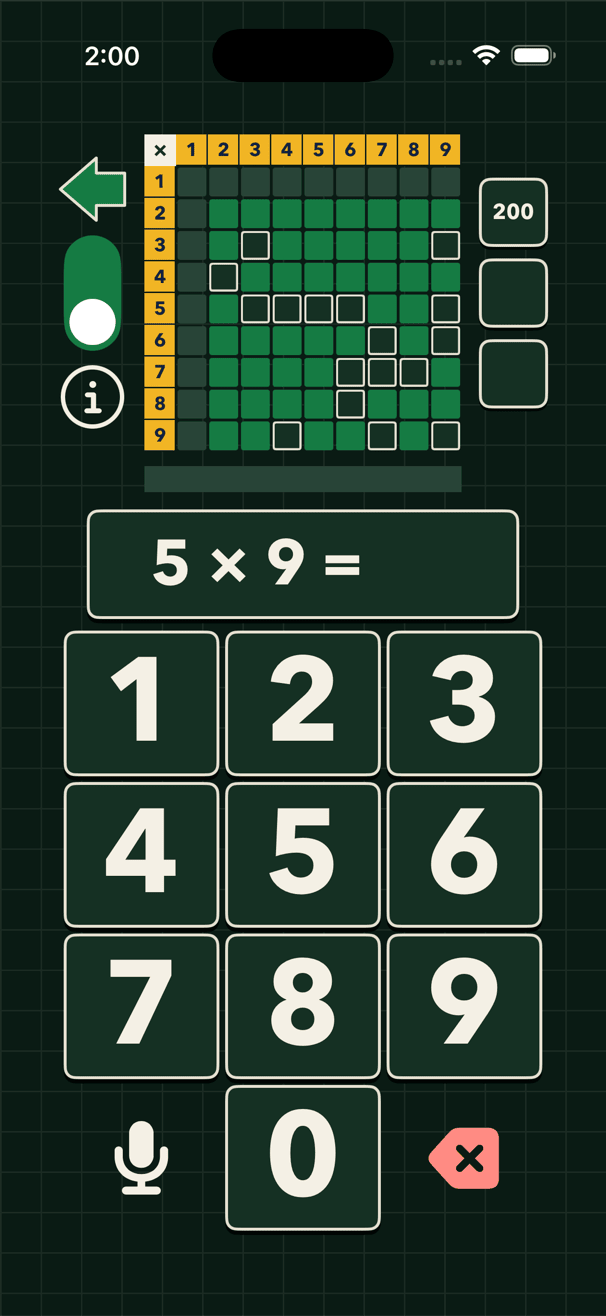
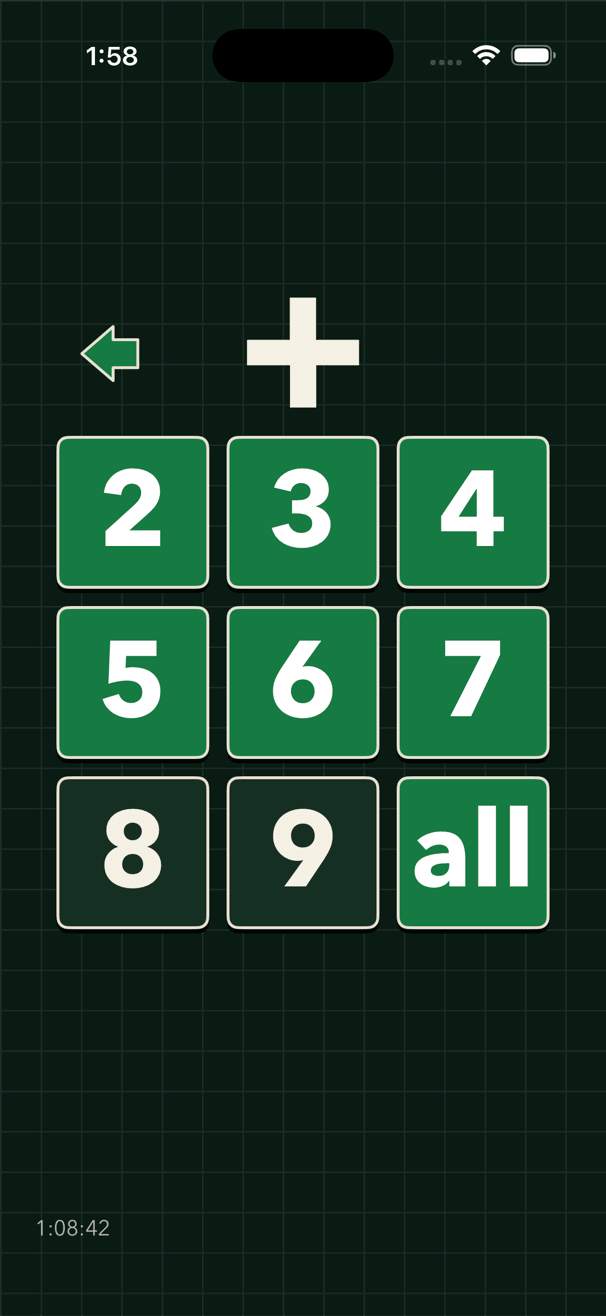
A level, the whole table, and the level menu.
Built for memorizing fast
There are no characters, no rewards, no animations to sit through, nothing to collect, and nothing that congratulates you for showing up. The screen is a fact, a keypad, and a clock. Everything that isn't getting the table into your head has been left out on purpose.
Levels, then the whole table
A table is eight levels, 2 through 9, nine facts each. The squares along the top fill as the answers come and the bar under them is the clock; the level is passed at twenty-seven answers inside seventy seconds. A wrong answer starts the run over, so passing means you have those facts, not that you ground through a quiz.
The whole table is every fact in one sitting, against a clock of its own. This is the proof. When a board fills in a decent time, those facts are in your head and you can stop wondering.
It aims at your gaps
The facts you miss come back more often than the ones you already know. That is the whole trick, and it is why this goes faster than a stack of flash cards that treats 2 × 2 and 7 × 8 as equally deserving of your attention.
How long it takes
Less time than you'd think. Sit down, shut the door, and give it your full attention, and you can get a long way in a single sitting — the whole table in remarkably few. The design goal was never to keep you coming back daily for months. It was to get the facts in and let you leave.
Answer out loud, and never touch the phone
There is no submit button and nothing to confirm. Say the number, and the app takes it, scores it, and puts the next fact up. You can sit back with your hands in your lap and drill the whole table.
The hard part of answering by voice is two-word numbers, and that is usually where these things fall apart: you say "thirty two" and something hears "thirty". Squares waits for the number to settle before accepting it, and primes the recogniser with the answers the level can actually ask for, so it hears what you said.
Recognition runs on the device itself wherever the device can do it, so your voice stays on the phone. A spoken round is given more time, because speech takes a moment to land, and is scored on the same scale — a level passed out loud counts exactly as one passed by tapping.
Four operators
Addition, subtraction, multiplication and division, each its own table with its own eight levels. Younger children use it happily, though nothing here has been softened for them: it is a drill, and it reads as one.
One phone, more than one person
Each name keeps its own levels, times and missed facts, so two people can share a phone without sharing a board. The names, and everything under them, stay on the device — there is no account to make.
No ads, nothing to buy
Squares has no advertising, no subscription, and nothing to unlock. It sends anonymous usage — which screens were opened, which levels were passed — so we can tell whether anyone is using it. Nothing sent carries your name, and no profile is built from it. The privacy policy sets out exactly what is and is not sent.
Getting help
Questions and problems go to support@trilog.app, or start with the support page.