Everything. That's the tier.
The trial and the subscription are the same product: the whole system, working together.
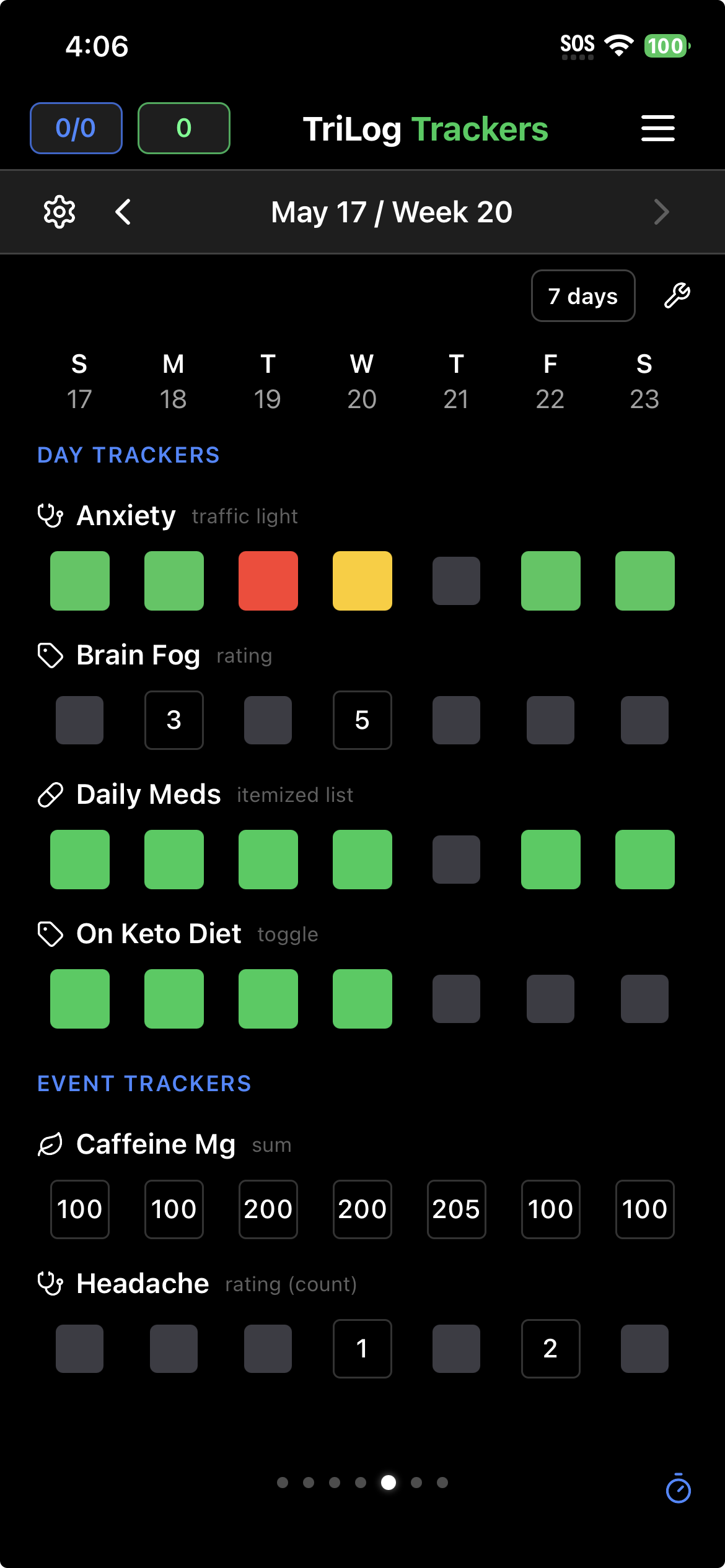
Trackers
Symptoms, supplements, ratings, medications — anything beyond mood and energy. Day trackers log once per day; event trackers log as often as things happen. Everything lines up side by side.
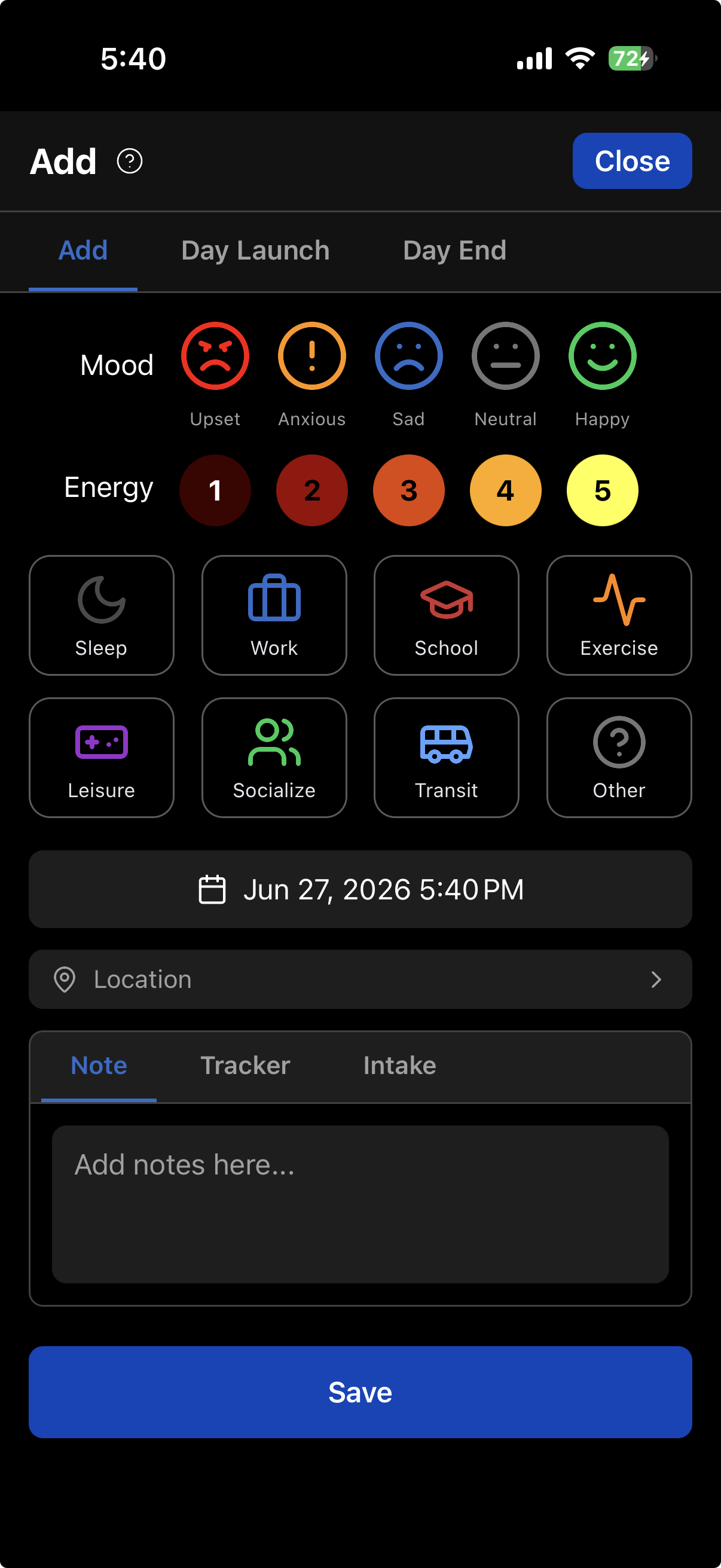
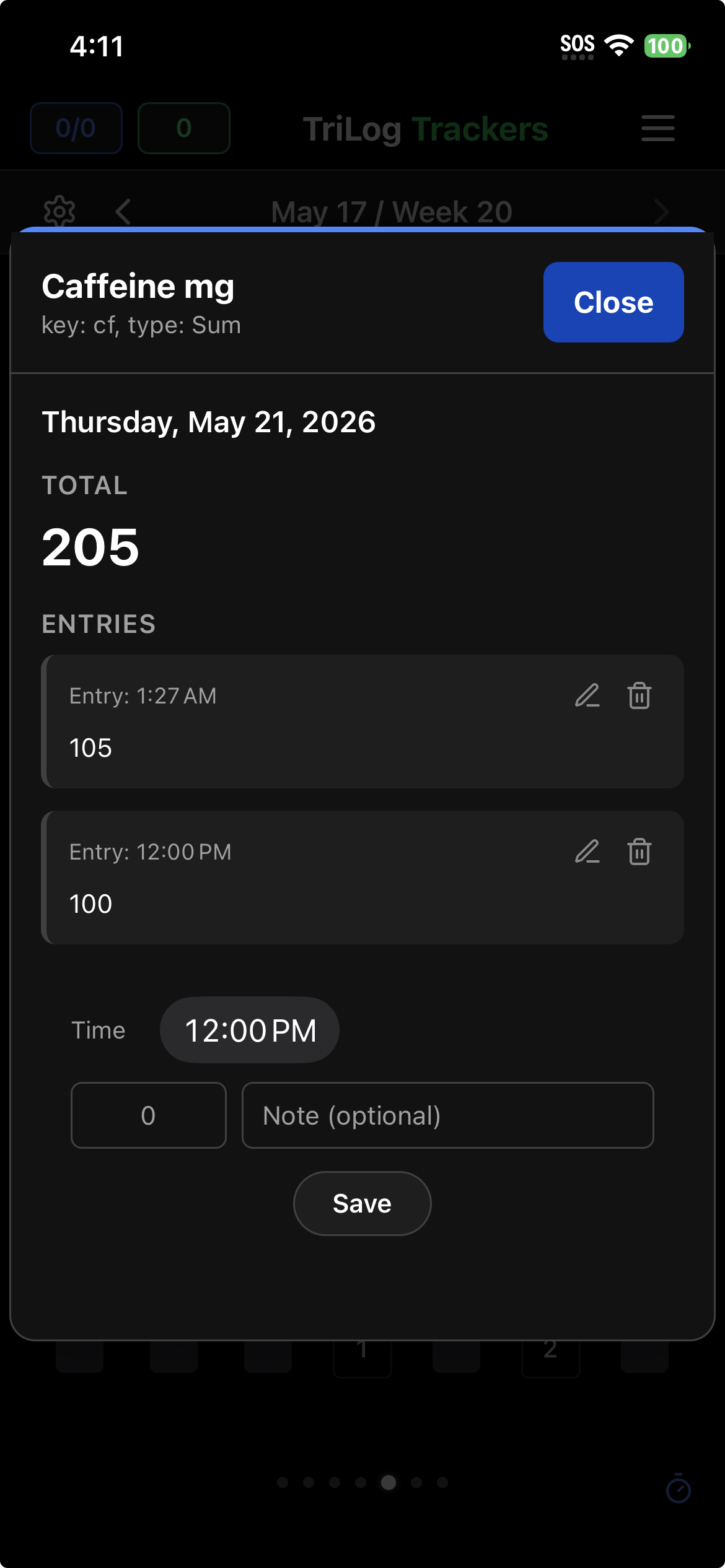
Intake
Caffeine, vitamins, meds, alcohol — structured amounts and timestamps, not freeform notes. Build a library of your usual items once, then log in seconds.
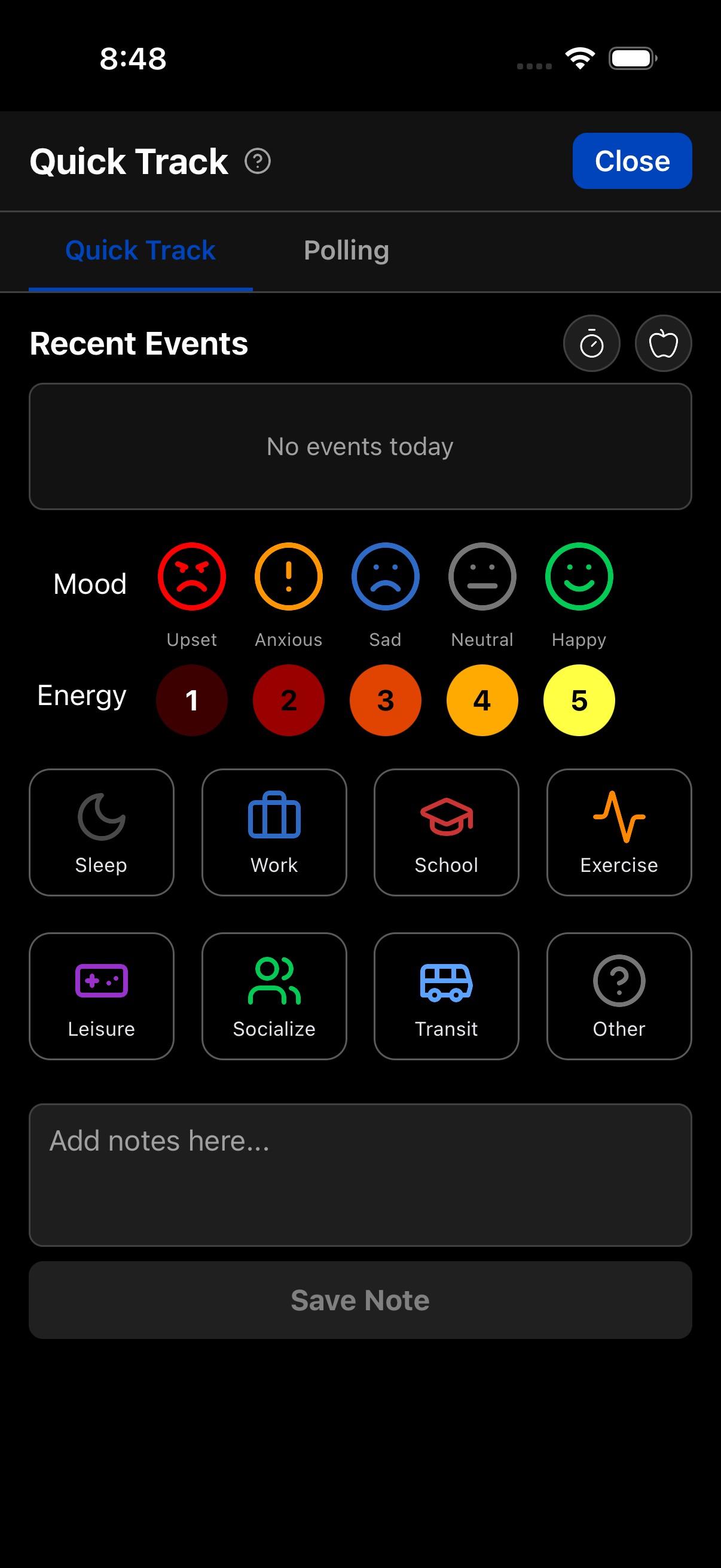
Quick Track
Mood, energy, or a note with a single tap from the bottom bar — the fastest way to keep the record going on a busy day.
Polling
Optional check-in reminders at intervals you choose, from 15 to 90 minutes — for the days you want denser data.

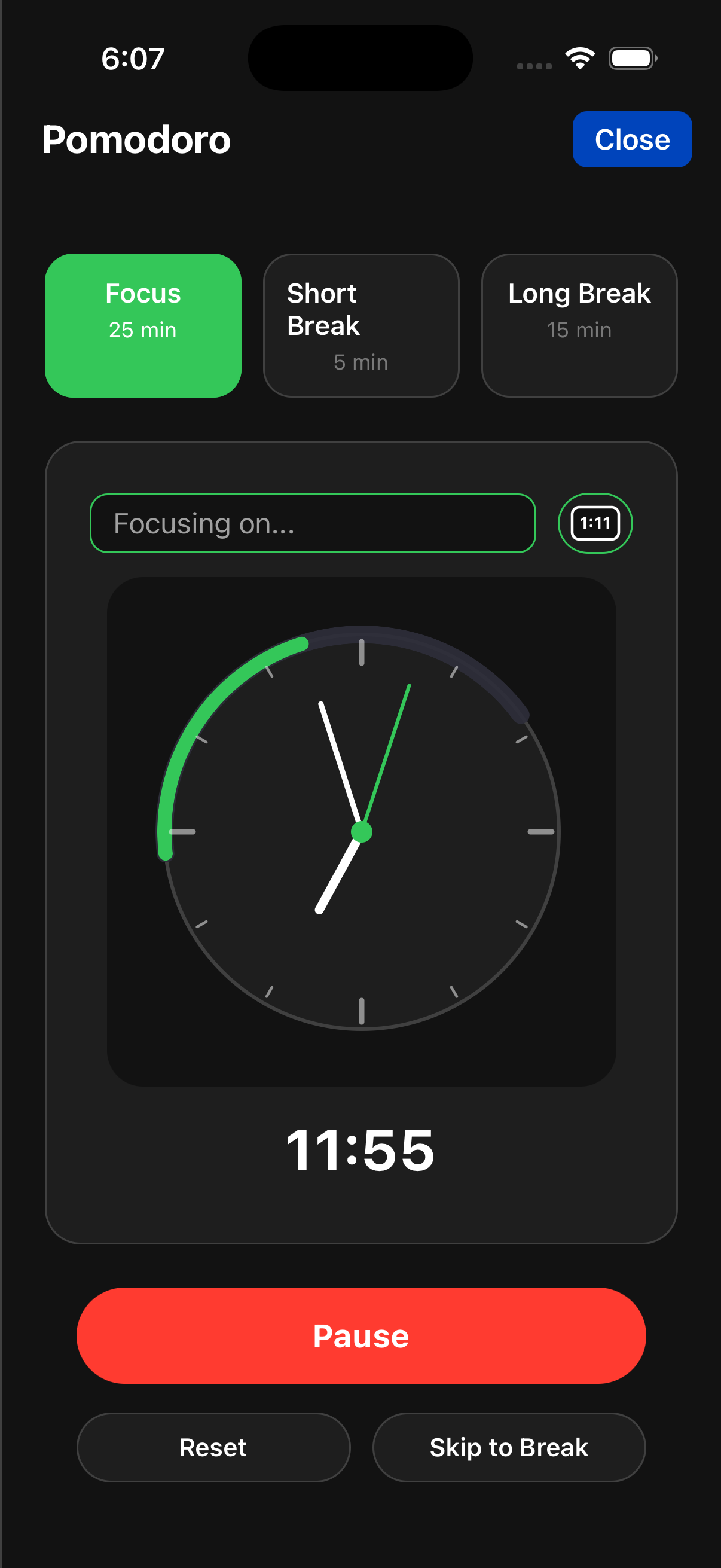
Pomodoro timer
Built-in focus sessions with short and long breaks — logged like everything else, so focus time shows up on your timeline.
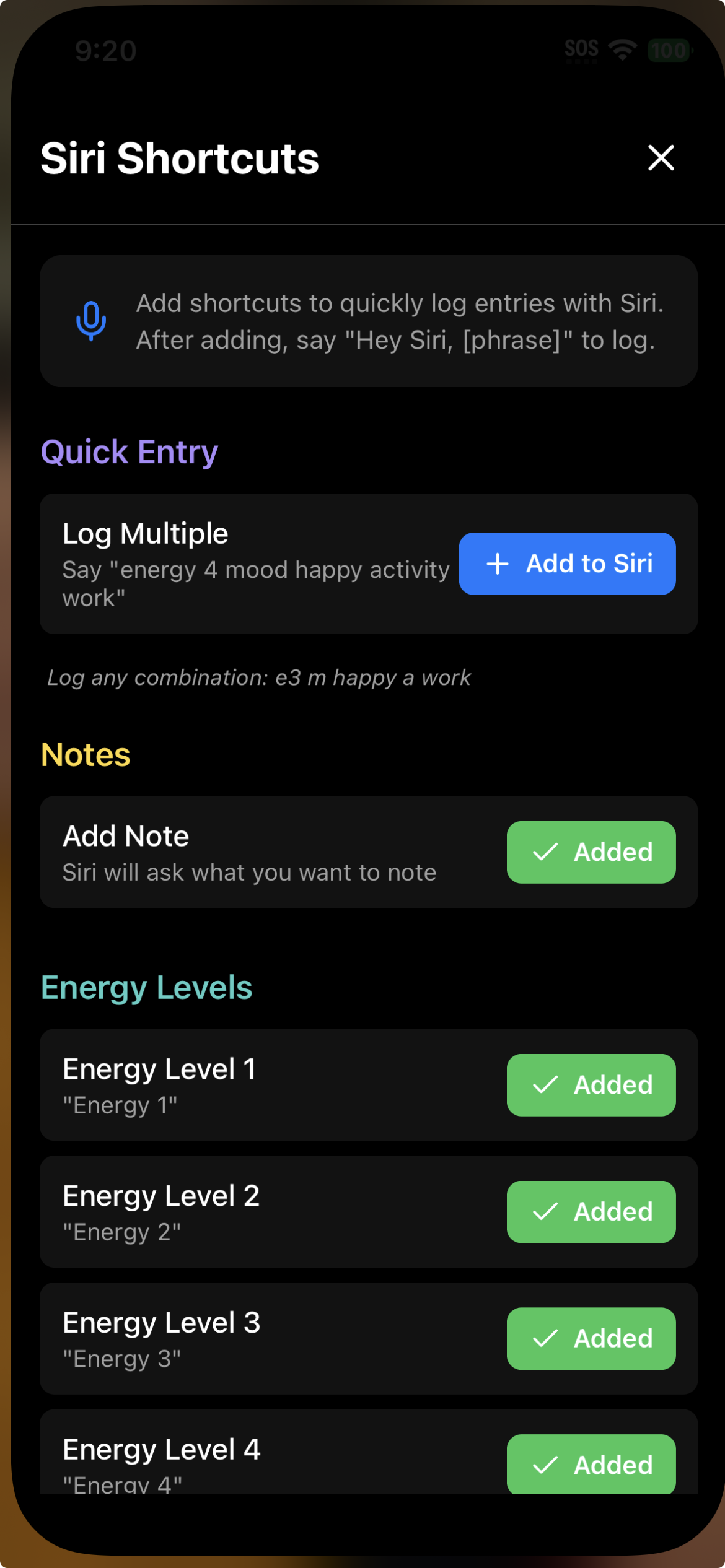
Siri Shortcuts
Log hands-free. Custom voice shortcuts for mood, energy, and activities — entries land in the same log as everything else.
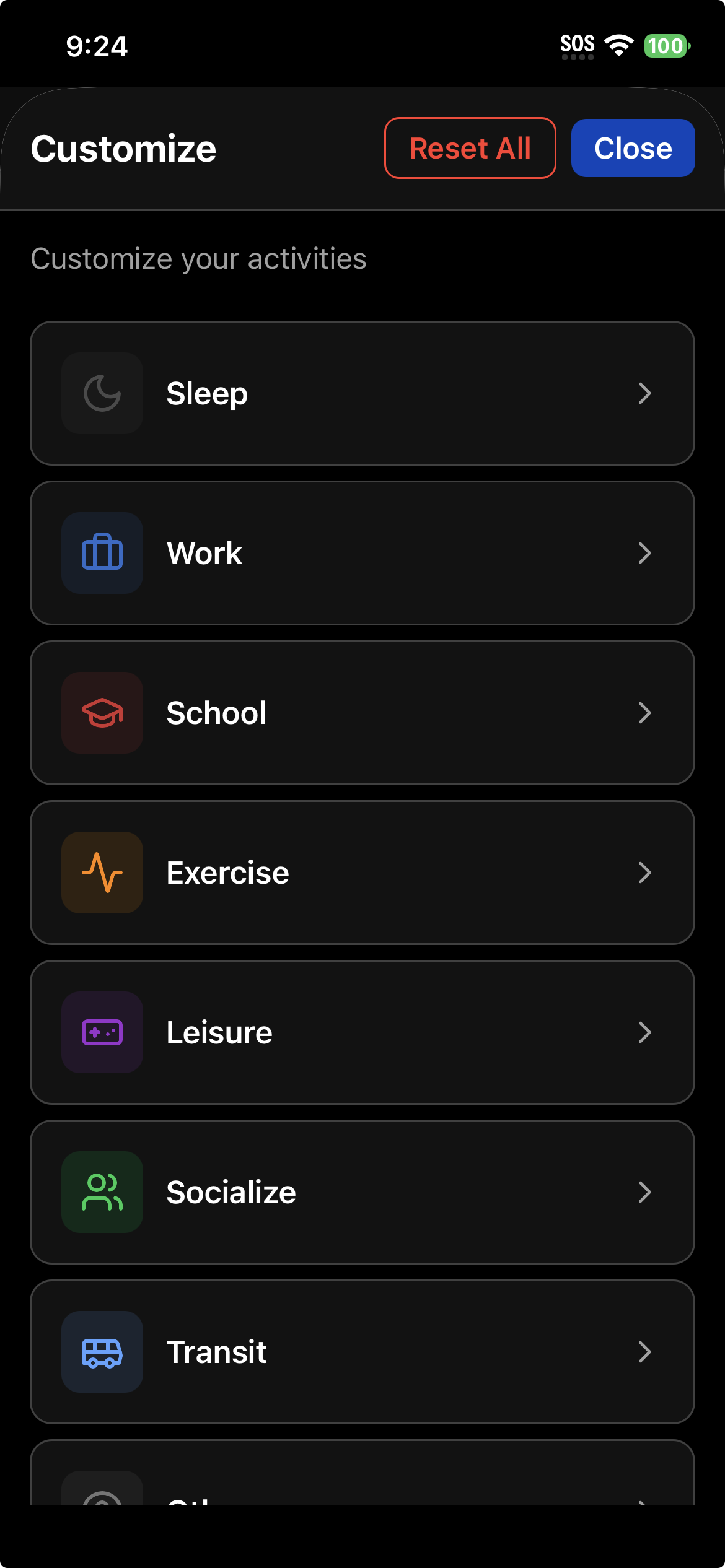
Customize activities
Rename activities, recolor them, change icons — make the grid match how you actually think about your day.
Entry locations + Apple Health
Tag entries with named places — Home, Office, Gym — and see how location lines up with mood and energy. Plus resting heart rate, HRV, sleep stages, steps, and weight from Apple Health.
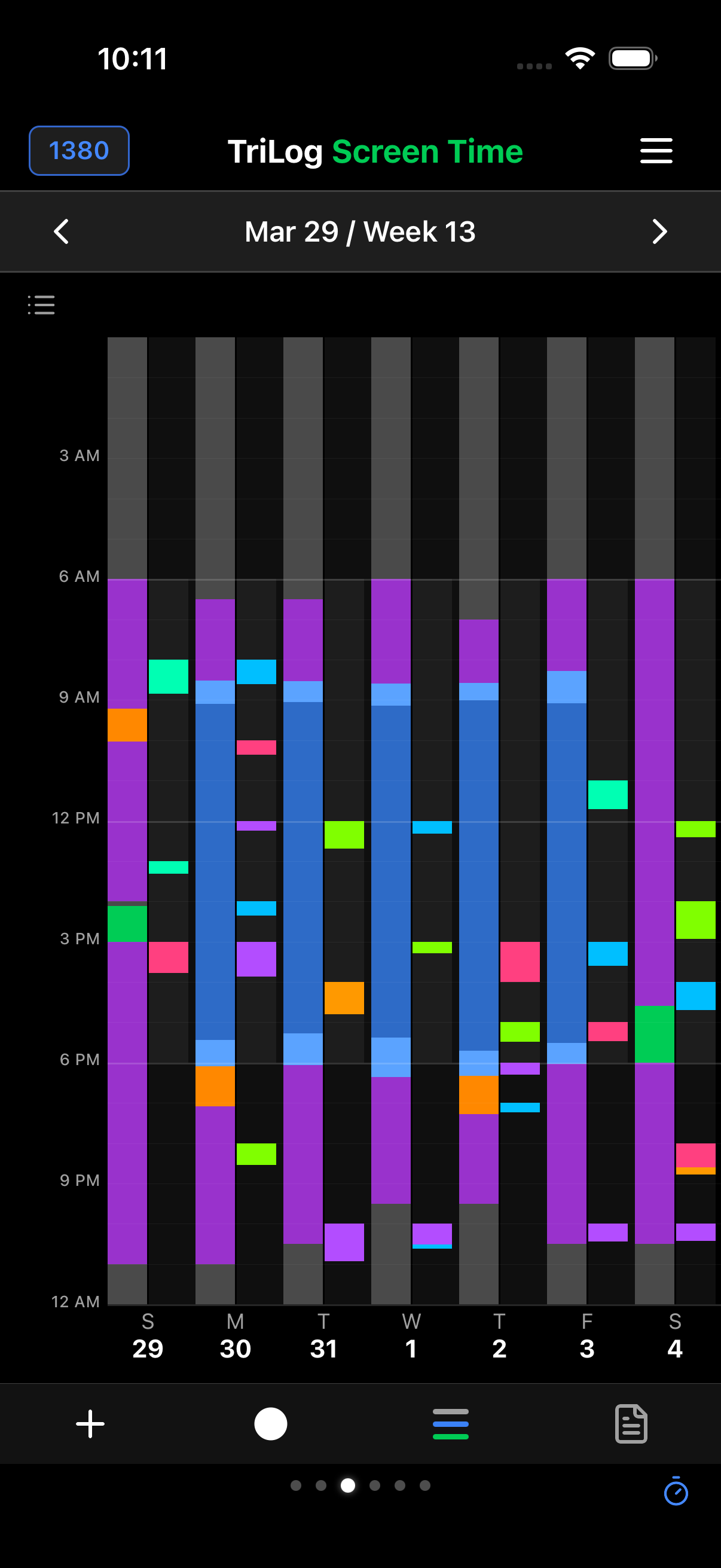
Screen Time by the hour
The only tracker on the App Store that breaks phone use down hour by hour — overlaid with your mood, energy, and activities. How it works →
All Analysis reports
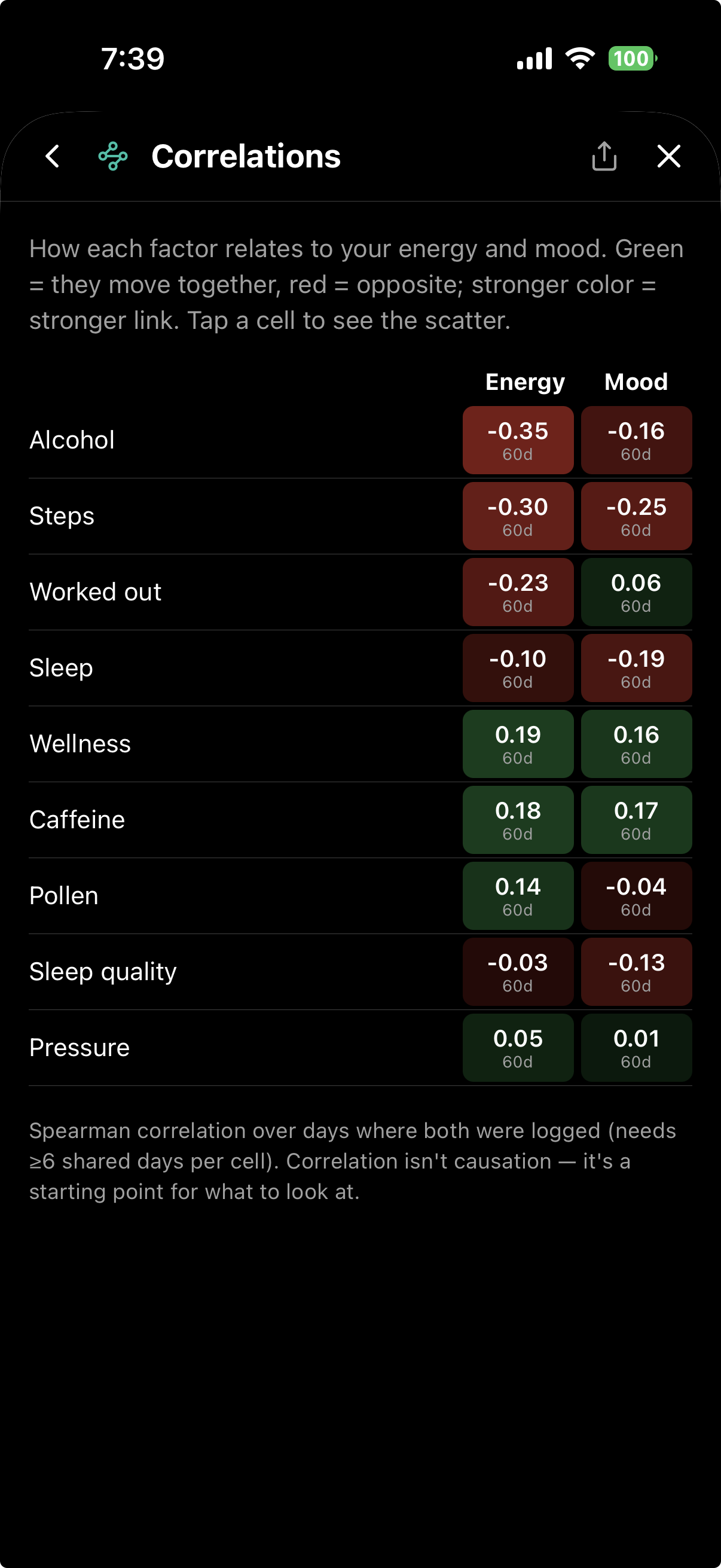
Patterns, Base Chart, Day Ratings, cycle overlays, Correlations, Best vs Worst Days, Scatter with trendlines, Energy by Category — every report included, nothing gated.
…and the rest
Notes and journal with photos, habits without streaks, workouts, weather / pollen / pressure overlays, menstrual cycle notes, optional iCloud backup, full export, and the free open-source desktop viewer. One product — all of it.